Shop Change
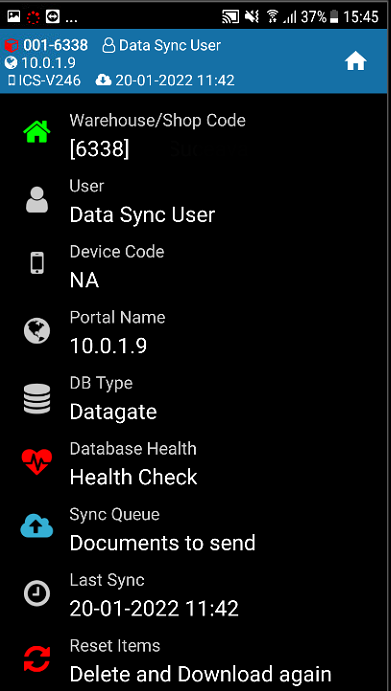
In Device menu you have the following options:
- Change Warehouse - Press the Warehouse/Shop button and then select the desired one. You have to change the store on the scanner in order to fully view and handle the items present in the present store.
- Health Check - Check for database health.
- Documents to send - You can check if there are any documents that have not been sent to the server.
- Reset Items - If the items and prices are not updated, press the Reset Items key (delete and download again).