Data synchronization
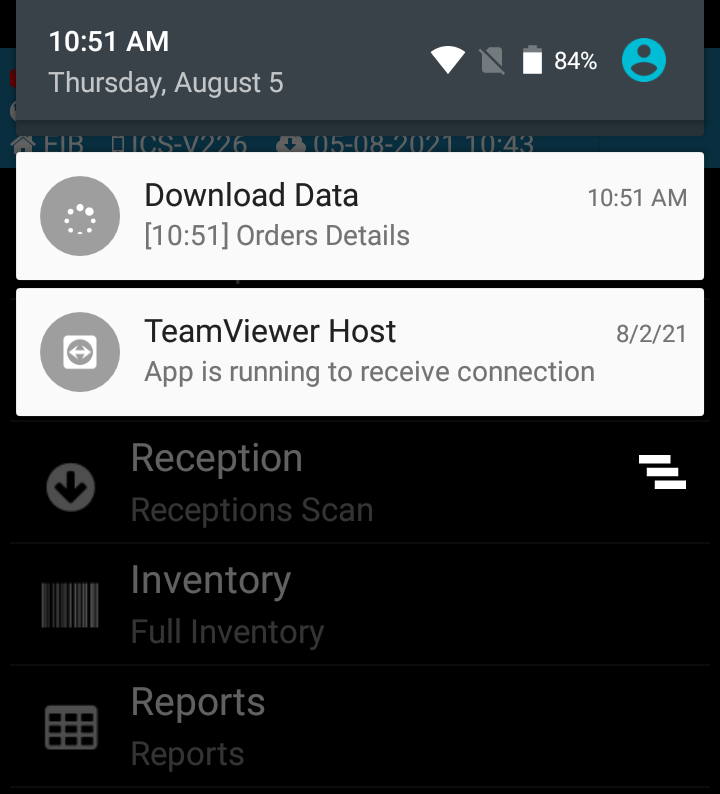
Automated : When you open the program the articles, prices, expedition and reception documents (orders), the inventory, will be synchronized from the management program. Start using the scanner after the syncronization is finnished. The progress of the downloading data is visible in the top bar of the program. This syncronization will automatically start once every hour.
Manual : You can manually synchronize the application by pressing the Sync button from the main menu. On the screen will appear a warning message: Attention! The synchronization has begun! .Start using the scanner after the process is finished.
Every time you exit and enter into the program : The prices will synchronize only at startup