Guided scan
The ICS program uses 2 types of document scanning: Guided Scan and Unguided Scan.
Guided Scan is used for documents for which you have a pre-order: expedition, reception.
Guided Expedition
The guided expedition is accessible in the Expedition option in the main menu.
If during such a scan you will introduce items or quantities that differ from the order, there will be an audible warning.
Based on order, the program guides you through the scan as follows:
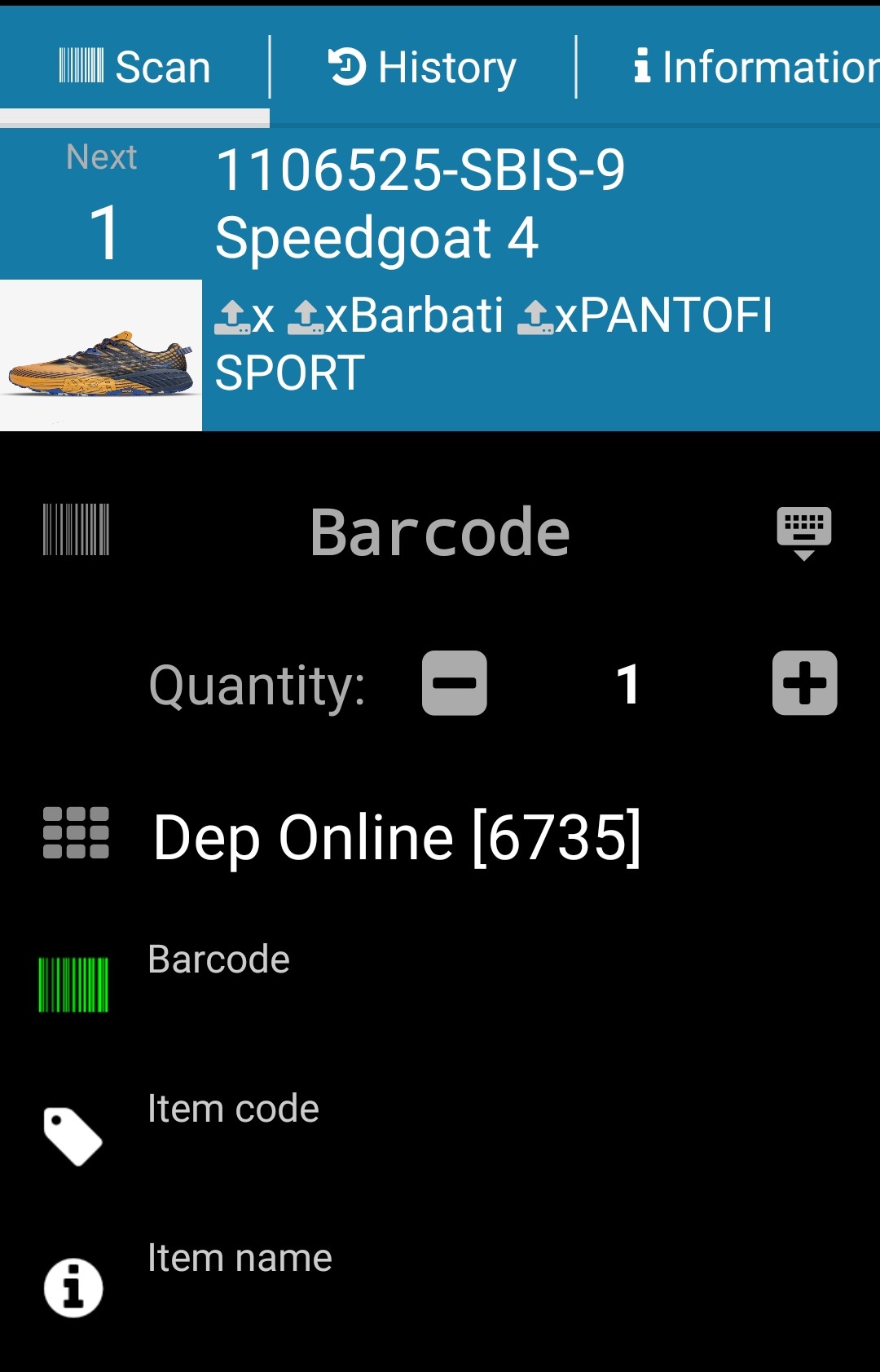
- The window Scan - displays in the blue window the next item and the quantity that must be taken.
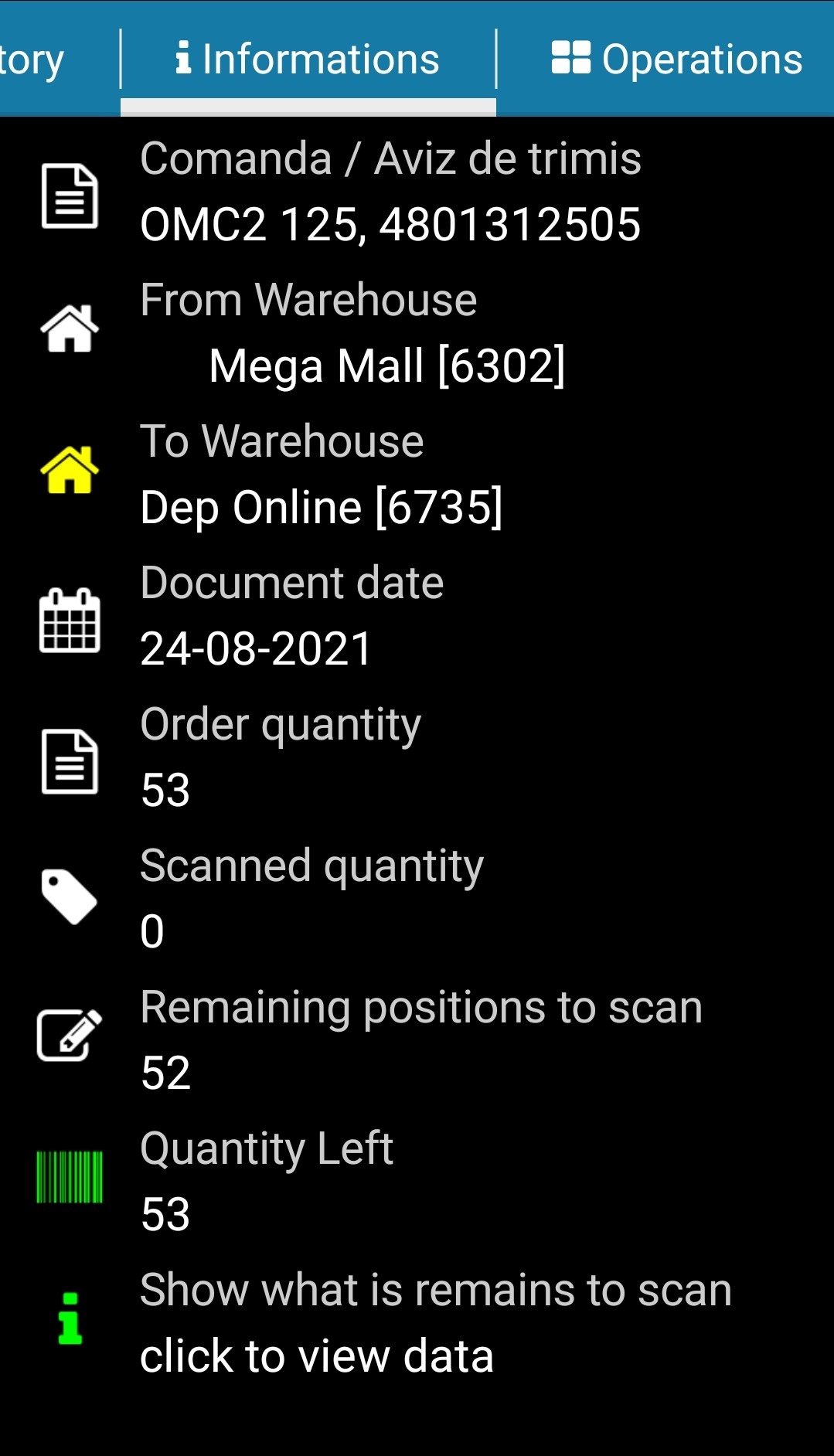
Press the Show what remains to scan key to see the items left to scan from the order. Items can also be added manually to the scan document by selecting the item. The list is updated after each scan. Guided Scan is completed when: In short, the expedition is done as such: Access the expedition from the main menu Select the orders
Scan the items
Check the history Press the 'Show what remains to scan' from Informations to check
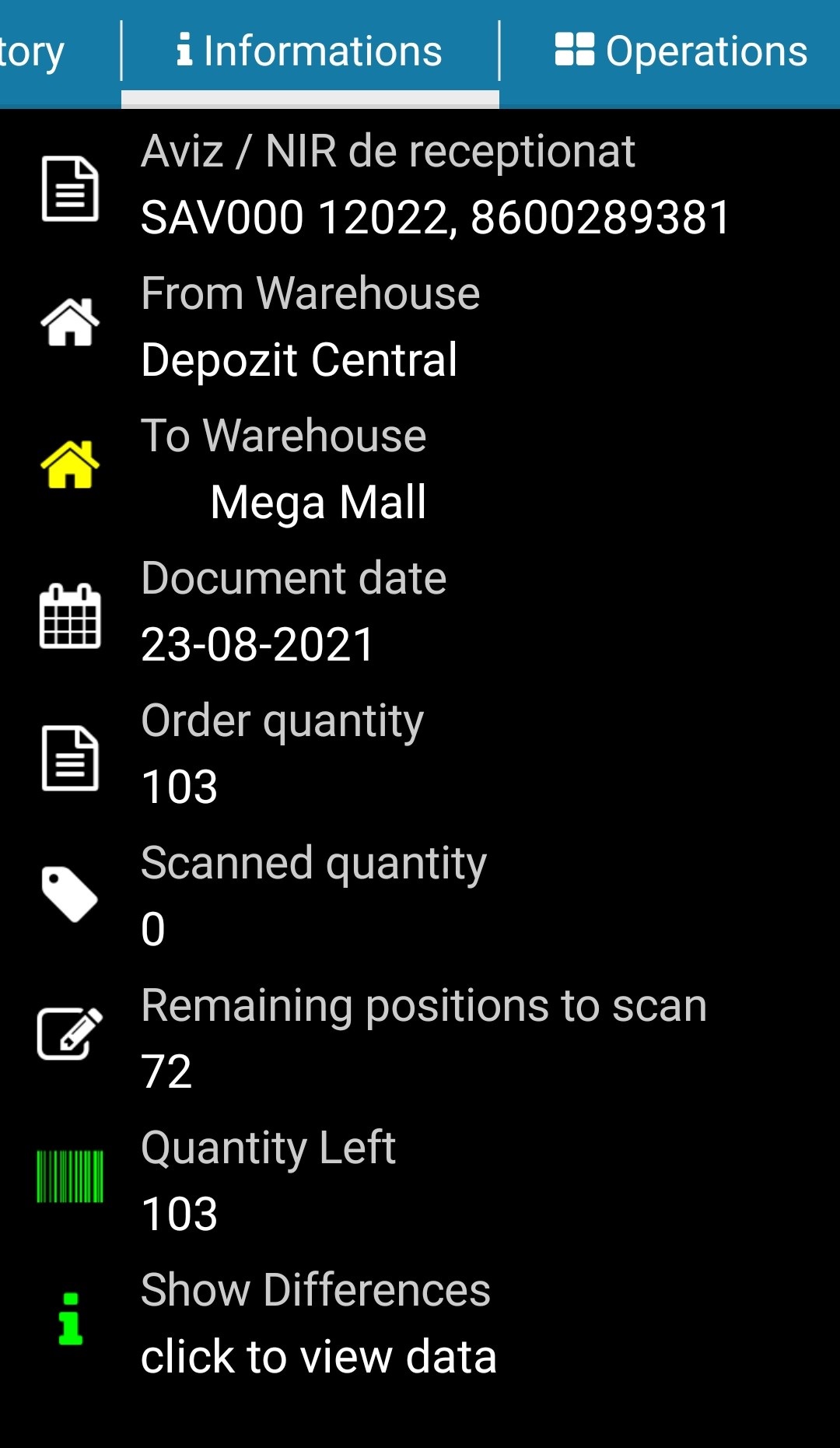
After checking and making sure all is well, the Expedition will be completed. After it is completed issue the expedition The expedition is done on the basis of a delivery order. There can be no adding of items or quantities that differ from the order. You will receive a warning message as mentioned above. Guided Reception The guided reception is available from the 'reception' option from the main menu. There you will have to chose the reception that concerns you. To start the reception process, press the Scan button. From there the reception menu looks and functions largely the same as the expedition one. In case of reception, in the Information window you have the Show Differences key. You can check during the scan or after the reception if there are differences compared to the document and which these are. A simple step by step plan for receptions would be as such: Access Reception from the main menu Open the document you are interested in and press the Scan button Scan the necessary items Press the Show Differences button to see if there are/aren't any differences Save it and continue at a later date or exit and issue it Unguided Scan - It is available for documents that do not have an initial order: Generic scan, Transfer scan. For more information, check the "Document scanning without order" section.