
Connecting the scanner to a printer and the printing of labels
The price label will be printed on a mobile printer like the Zebra ZQ510, ZQ620.
1. Label Printing
Open the Labels menu and select the label type.
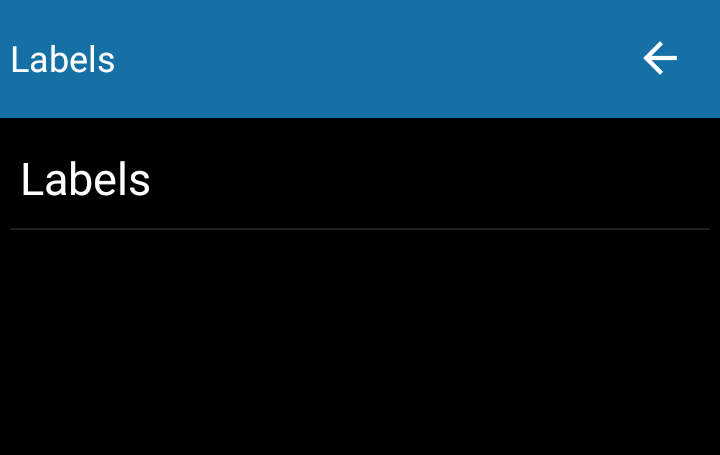
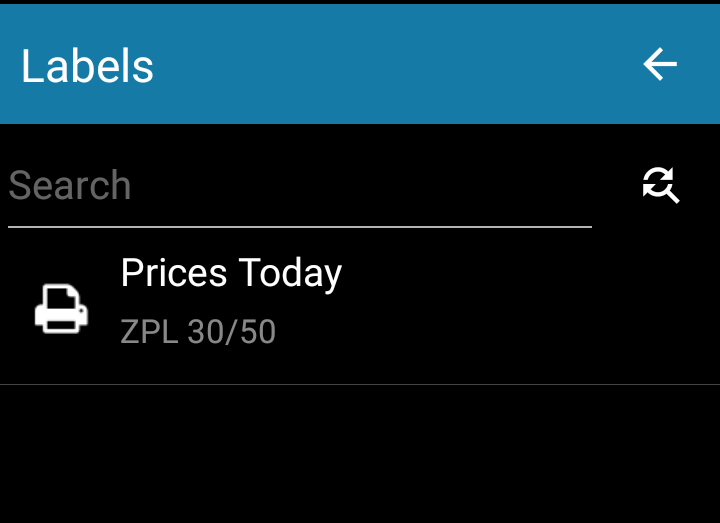
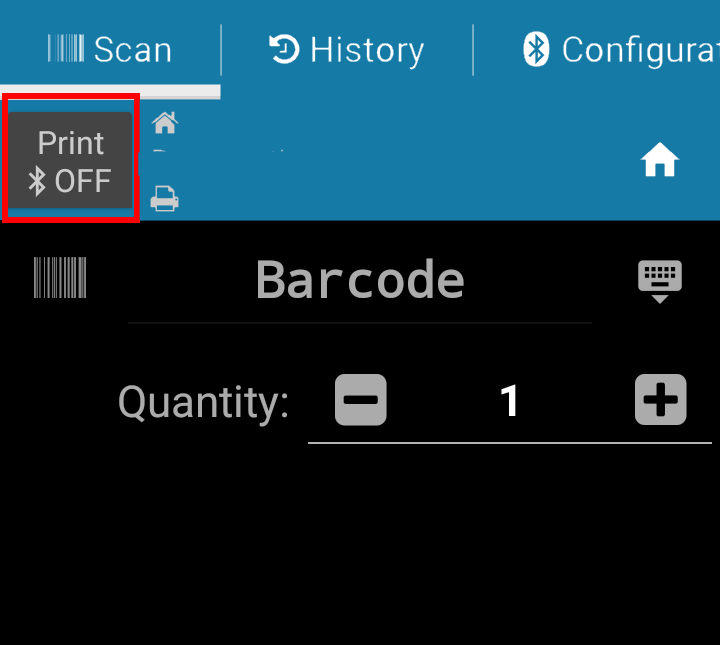
Press the Print button to activate the Bluetooth and print the label.
If the button is OFF, the label will not be printed, you will only see the classification information and the price of the scanned item.
2. Connecting the scanner to the label printer
In order to associate the 2 devices, from the Labels menu, select the type of label and go to the Configuration window.
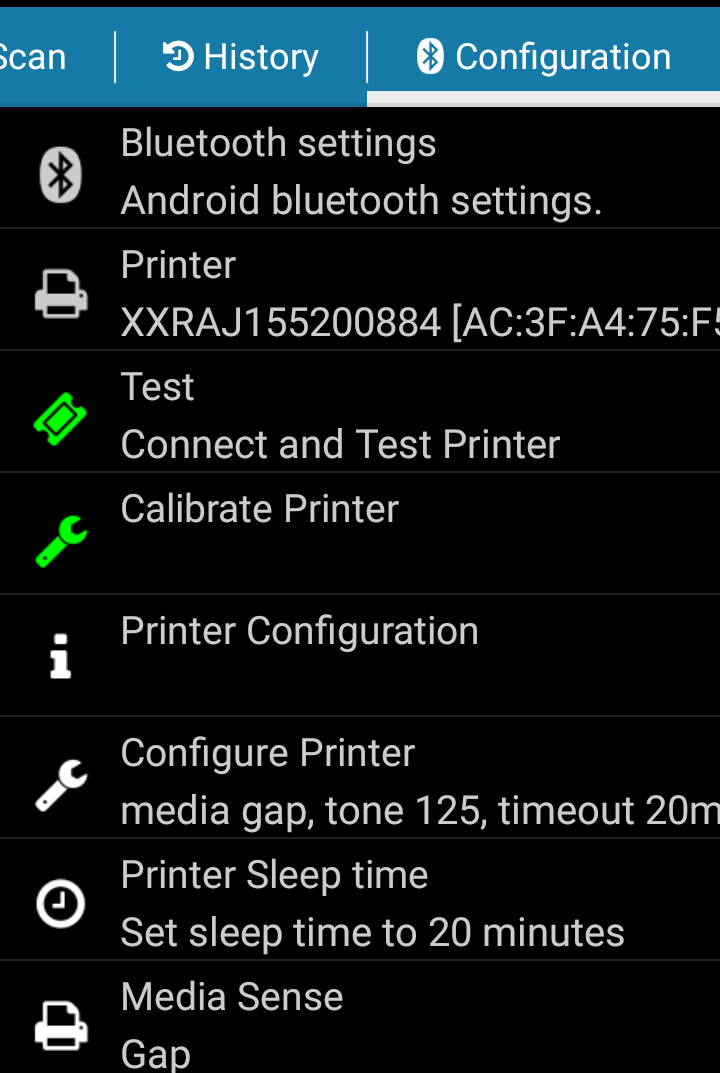
- On the scanner press the Bluetooth settings button and activate the Bluetooth. The scanner will start to seek nearby devices.
- Select the printers code (check that the same code is on the back of the printer, the code will be like XXR...).
- On the scanners screen will appear an association code.
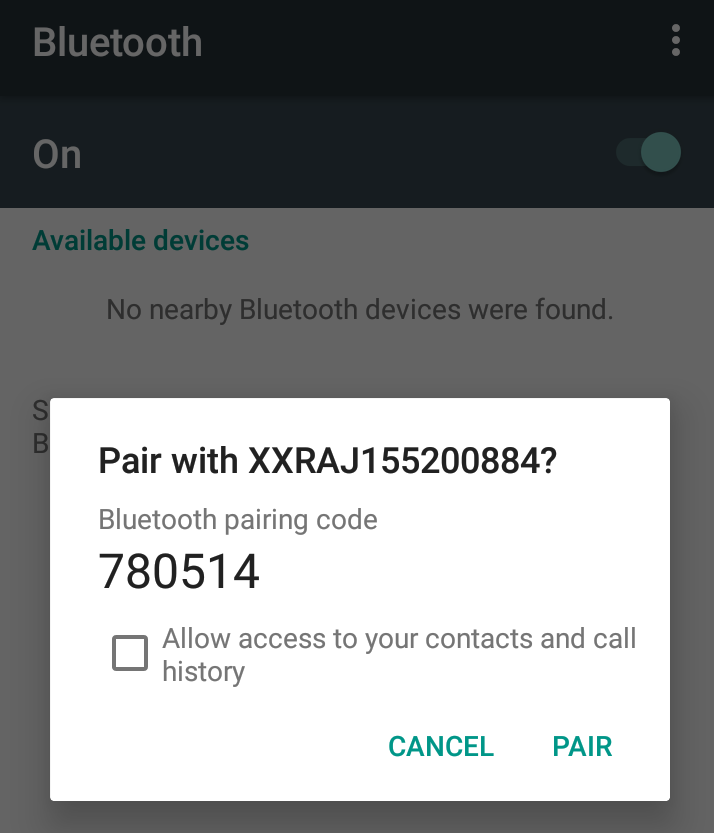
- Confirm the association key on the printer and scanner.
- After the association return to the Configuration menu of the scanner, press Printer and select the printer.
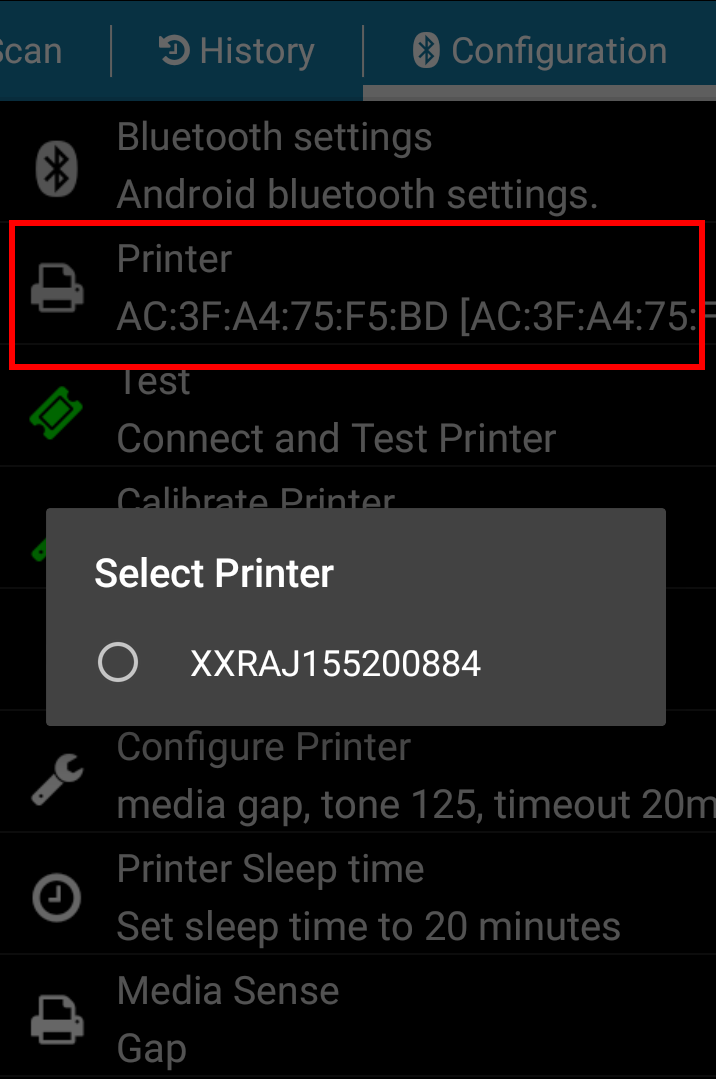
The printers calibration will always be done with the help of the scanner. Press Calibrate Printer each time the label is changed.
In order to roll the label press the Feed button on the printer, never pull the label from the printer.